Supply & platform

Connecting chargers to MAMI‑E

We supply EV chargers and onboard them to our management platform, billing, and driver app. Physical electrical installation on site is handled by your own electrician using our technical checklist.

AC 3,5–22 кВтWallbox & pedestal
DC 30–240 кВтCommercial fast DC
OCPP 1.6JRemote onboarding
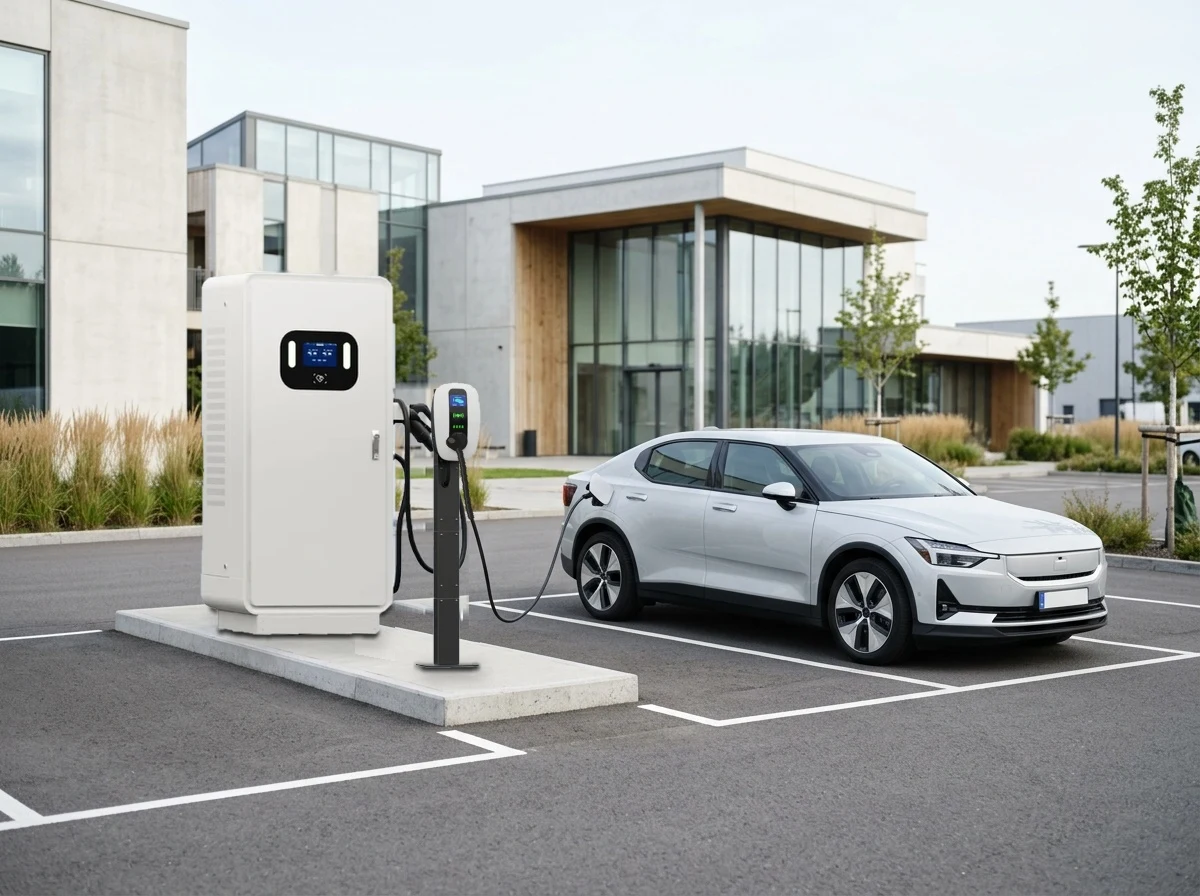
Commercial EV charging plaza with MAMI-E SK-60 DC cabinet and GS-B03 AC pedestal charging an EV
MAMI‑E stations in one network
OCPP 1.6JCards & SBPQR guest start
Clear division of scope

What we provide vs. on-site electrical work

We do not perform civil or electrical contracting — instead we deliver the hardware, exact wiring requirements, and complete software onboarding.

Provided by MAMI‑E

Hardware, platform & billing

  • Hardware selection & supplyWe match AC (3.5–22 kW) or DC (30–240 kW) models to your site and deliver the station with full technical documentation.
  • Remote OCPP 1.6J onboardingWe register the charger in your operator dashboard and verify live telemetry, connector states, and network stability.
  • Tariffs, billing & receiptsWe configure tariffs, card and SBP checkout, automated fiscal receipts, and individual connector QR codes.
  • Driver app launch & supportWe run a live test session, publish the station on the driver map, and support your team during commissioning.
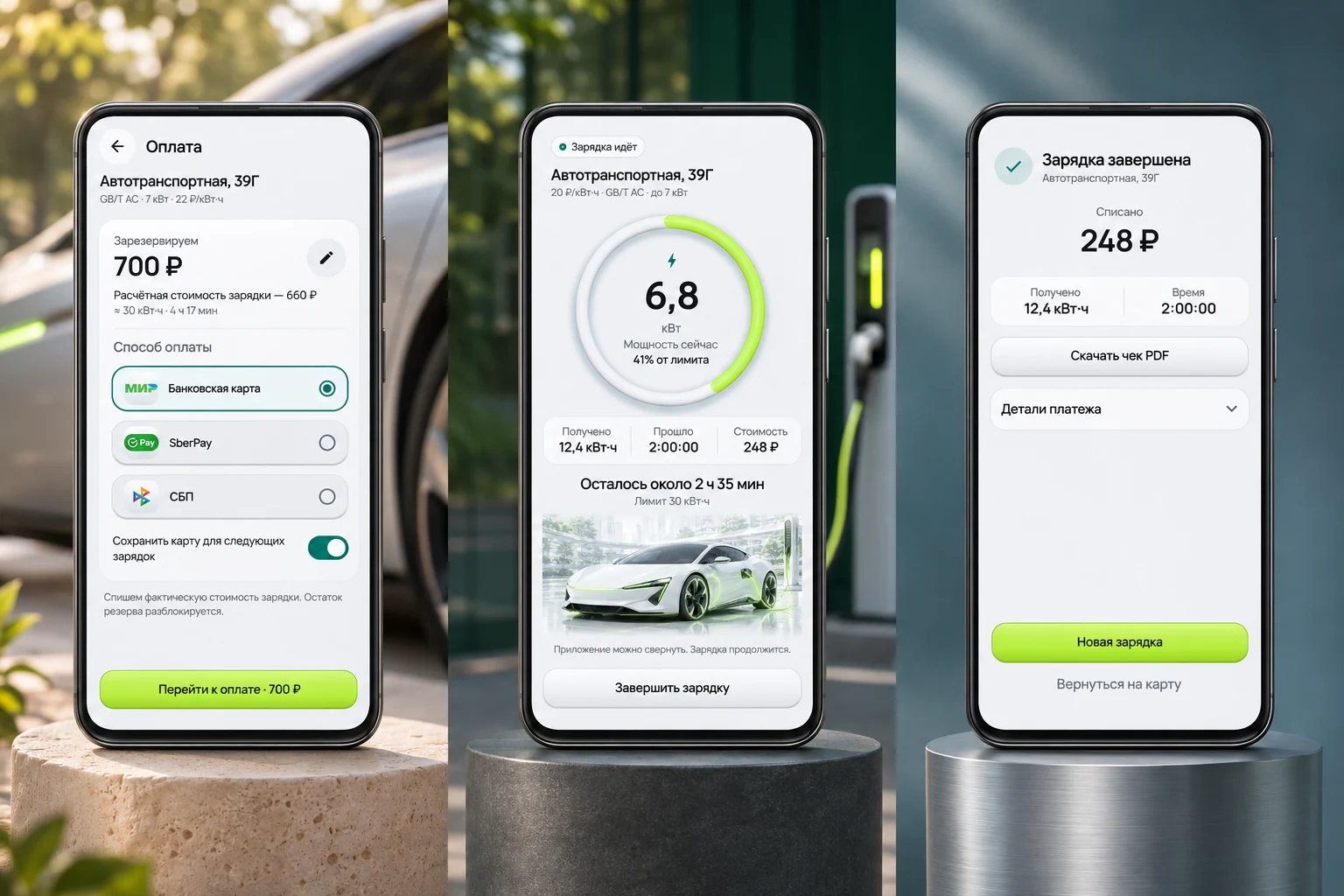
MAMI-E driver app screens showing payment selection, live charging progress, and receipt
Handled by your contractor

Wiring & site preparation

Physical installation is carried out by your own electrician or contractor using our site checklist.

Power feeder & protection230 / 380 V

Dedicated power line from the distribution board with circuit breaker and RCD sized to the charger rating.

Mounting or concrete baseWall / plinth

Mounting an AC wallbox/pedestal or preparing a concrete plinth with cable conduit for a floor-standing DC unit.

Power wiring & earthingCable entry + PE

Routing the power feeder and protective earth conductor into the enclosure per the hardware datasheet.

Reliable connectivityEthernet / 4G

Pulling an Ethernet cable when placing chargers in underground car parks with weak cellular reception.

A MAMI‑E engineer reviews panel specs and wiring diagrams with your electrician upfront so installation goes smoothly.

Onboarding flow

How your charger goes live

Step 01

Pick the right hardware

We align charger power and connector standards with your grid capacity and expected daily traffic.

Model match
Step 02

Ship with wiring checklist

We ship the charger with wiring specs. Your own electrician or contractor handles physical installation on site.

Delivery + checklist
Step 03

Onboard to MAMI‑E platform

We remotely link the charger via Ethernet, Wi‑Fi, or 4G, set tariffs, and generate connector QR codes.

OCPP 1.6J
Step 04

Verify & accept payments

We verify a live test session, SBP/card checkout, and receipts — your station is ready for drivers.

Test & go live
Electrical checklist

Site power checklist for AC & DC

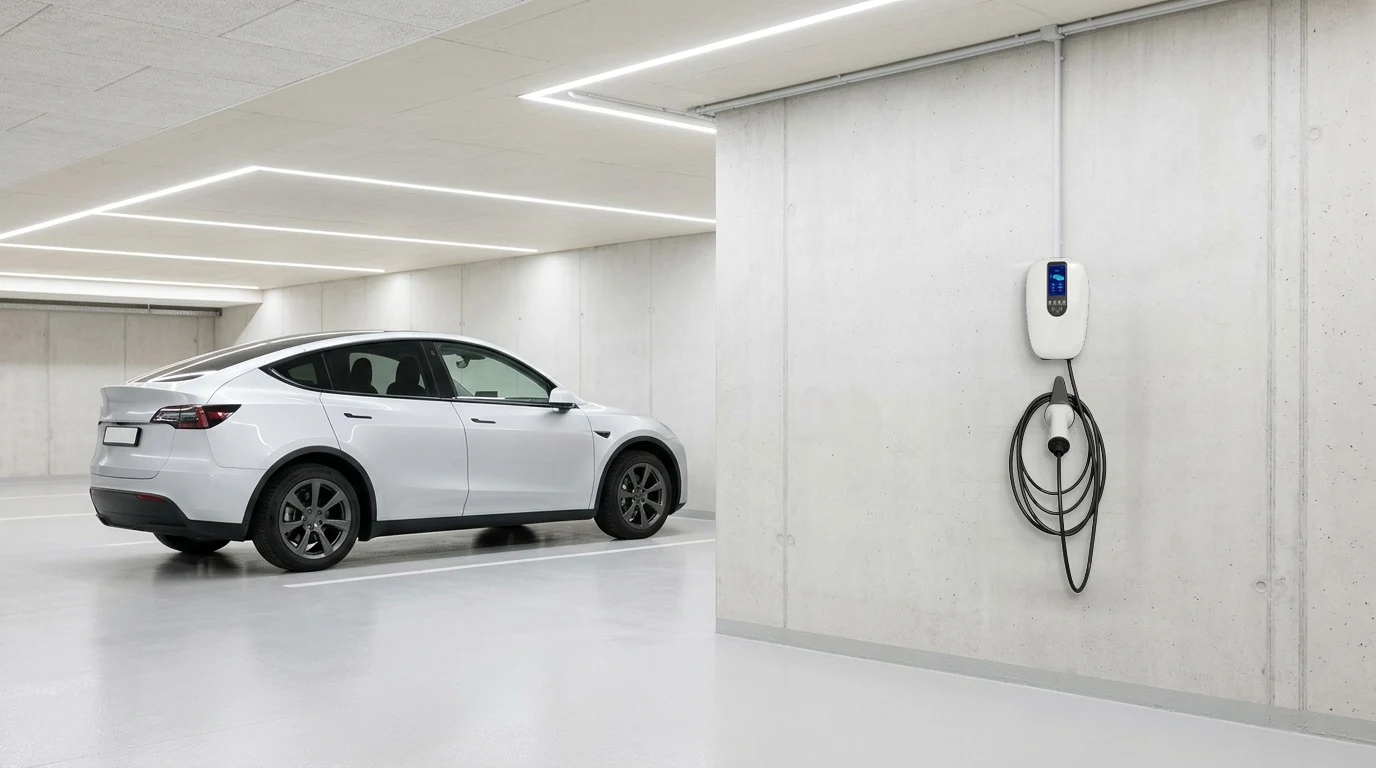
Wall-mounted MAMI-E GS-B02 AC charger in a bright underground parking bay with wall conduitAC · 3.5–22 kWGS‑B02 · Wall or pedestal
Homes, apartments & office garages

Site preparation for AC chargers

Power supply
230 V (3.5–7 kW) or 380 V (11–22 kW)
Connectors
Type 2 · Type 1 · GB/T AC
Placement
Wall or pedestal (installed by your electrician)
Network & climate
Ethernet / Wi‑Fi / 4G · IP54–IP65 · −25…+50 °C
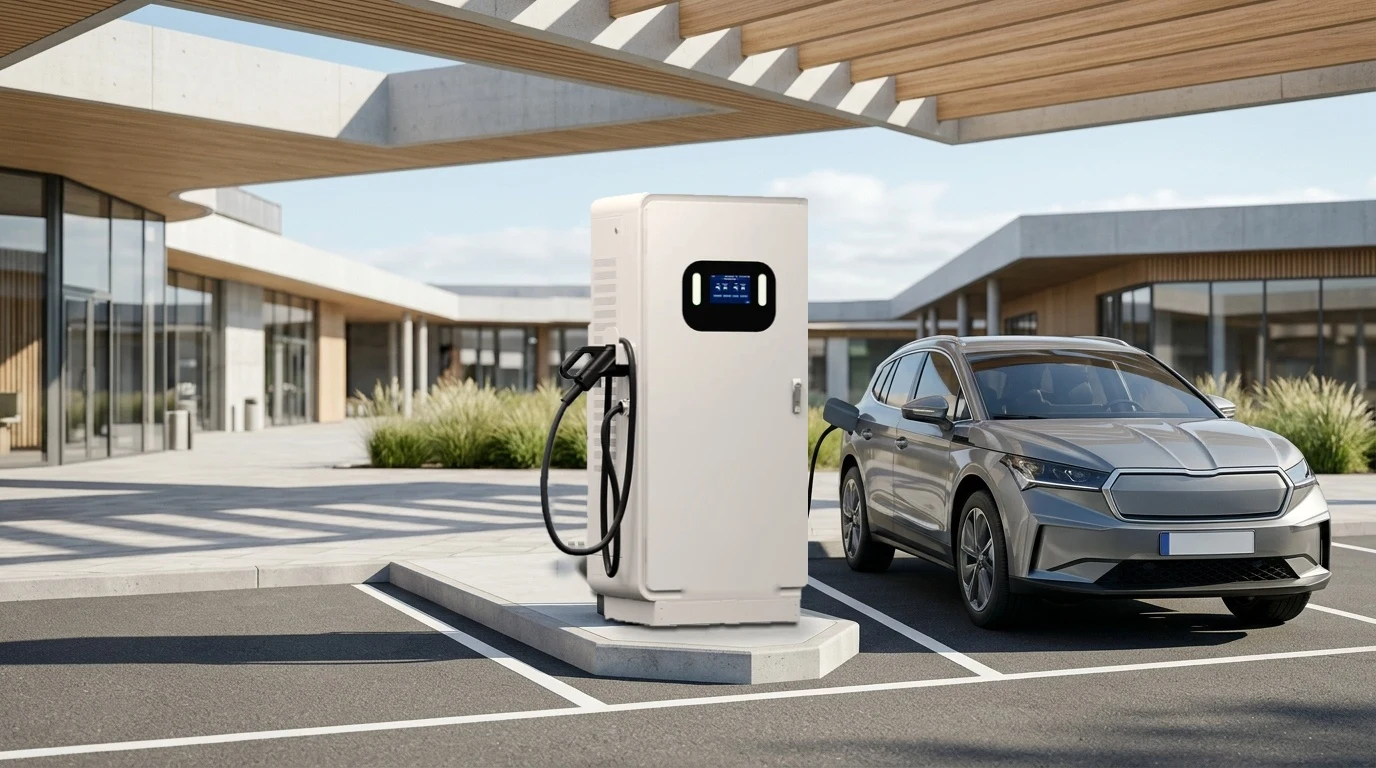
Floor-standing MAMI-E SK-120 DC fast charging cabinet on a chamfered concrete plinth at a commercial hubDC · 30–240 kWSK‑60 / SK‑120 · Floor cabinet
Retail plazas, fleets & highways

Site preparation for DC fast chargers

Power supply
380 V 3-phase dedicated feeder from distribution board
Connectors
CCS2 · GB/T DC · CCS1 (1–2 × 5 m cables)
Foundation
Concrete plinth with bottom cable entry (site contractor)
Network & rating
Ethernet / 4G · OCPP 1.6J · IP54
Fast onboarding

Ready to connect a charger to MAMI‑E?

Share your city, available site power, and target use case — we will recommend hardware, send an electrical checklist, and share platform onboarding terms.

AC & DC model matchingChecklist for your electricianOCPP 1.6J onboarding